Services and prices
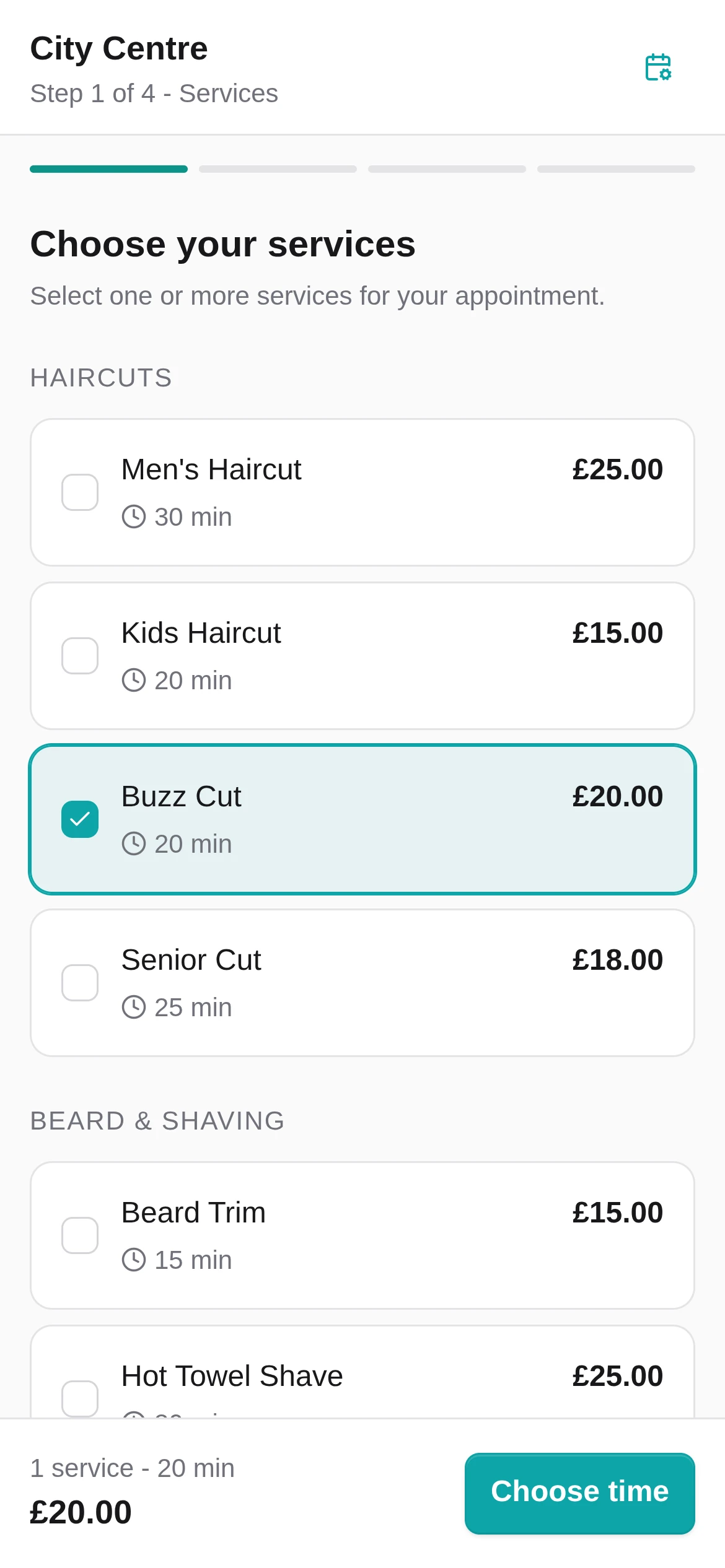
Map service names, durations and prices from the files your provider gives you.
Switching from your current booking software
Keep the old platform live, import carefully, test the new Booking Page and switch the public link only when the diary is ready.
What can move
The exact result depends on the fields in your export. Review every file and mapping before relying on it.
Map service names, durations and prices from the files your provider gives you.
Set up the team, the services they provide and when they are available.
Recreate each location's opening times, breaks and booking availability.
Import names, contact details, consent and useful history when those fields are included.
Past and upcoming appointments can move when the export contains the required fields.
Bring across client notes and preferences when they are included in your export.
A careful move
Keep taking bookings on your current booking software while Setora is set up. Change your public links only after you have checked the new flow.
Download what your current booking software makes available, or request your portable data before you cancel.
Add your services, team and opening hours while the old booking link stays live.
Review the files you have, check the mapping and run a test booking from both sides.
Update Google, Instagram and your website only when the new Booking Page is ready.
Data and timing
Request the records your current booking software provides before cancelling. Import the supported fields, review them and keep the old account live until your Setora setup has been tested.
Export before cancelling. Ask for the records you need while your current account is still active.
Check before changing links. Review imported records and test the booking flow first.
Keep a secure copy. Store the original export safely while you check the move.
Keep an exit route. People with permission can export customer records and available reports from Setora.
Before you decide
Before you switch
What to check before moving away from your current booking software.
It depends on the export you get from your current provider. A clean file can be imported quickly. Larger shops or messy exports are better handled carefully with a side-by-side check before go-live.
Request a fresh export or a fuller GDPR data portability file. Setora can help you map the columns and avoid duplicate customer records where possible.
Customers can book through your Setora Booking Page without starting from scratch. If account features are needed later, they can handle that in the booking flow.
Talk to us during setup. By default your Booking Page is hosted by Setora, and we can help you choose the cleanest link strategy for Google, Instagram and your website.
You can keep serving existing bookings in the old diary while new bookings move to Setora, or import future appointments if the export is clean enough. The right approach depends on your current platform.
Do not switch the public link until Setora is imported and tested. If something looks wrong, pause, fix the import and keep the old platform live until you are confident.
Switch without the drama
Keep the old platform live while Setora is set up and tested. No card required, no lock-in, £59/month per location after the trial. SMS credits and card processing are separate if used.
14 days free. No card required.